.png)
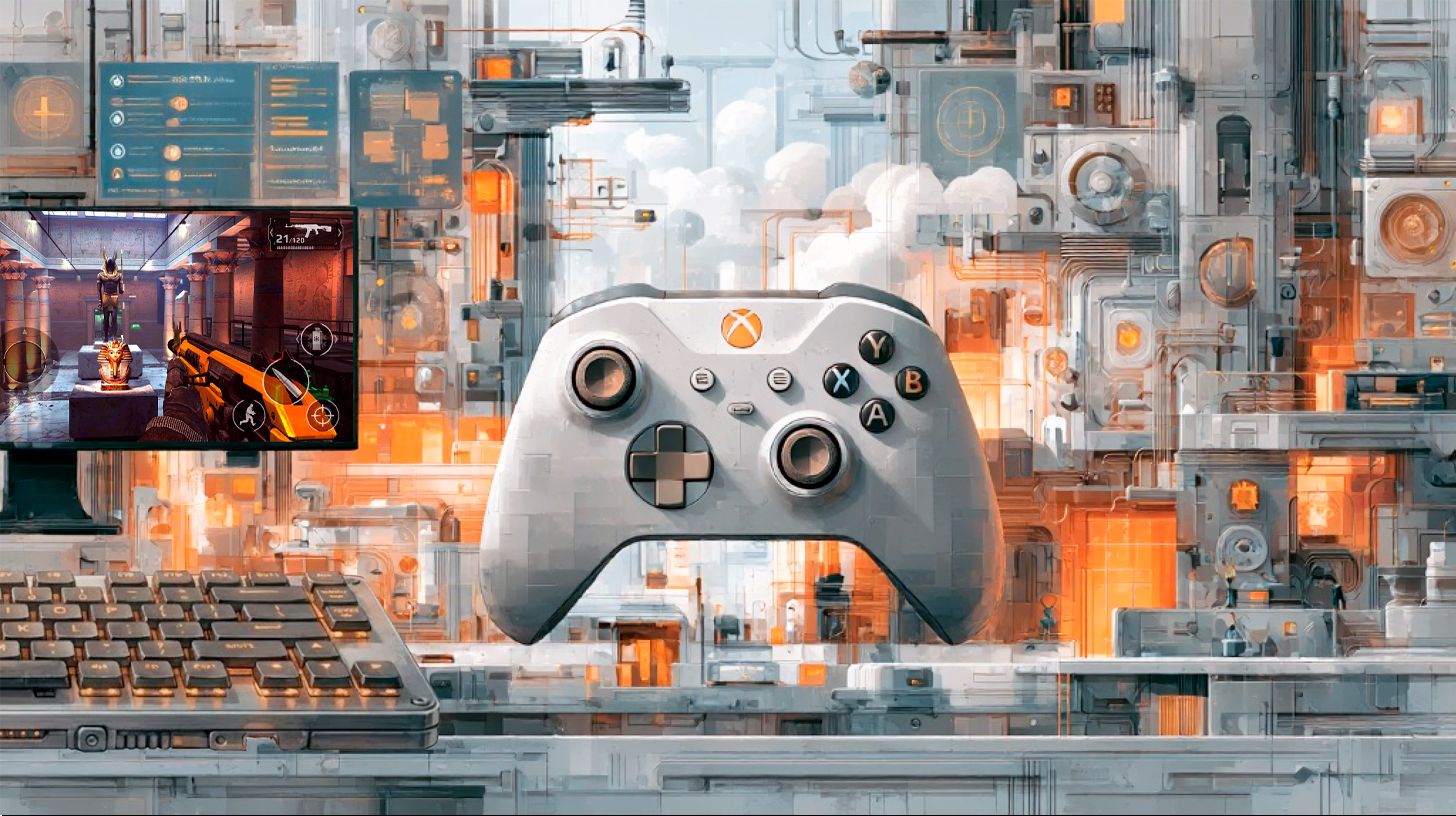
PC vs Console Gamers: What the Differences Mean for Game Developers
January 7, 2026
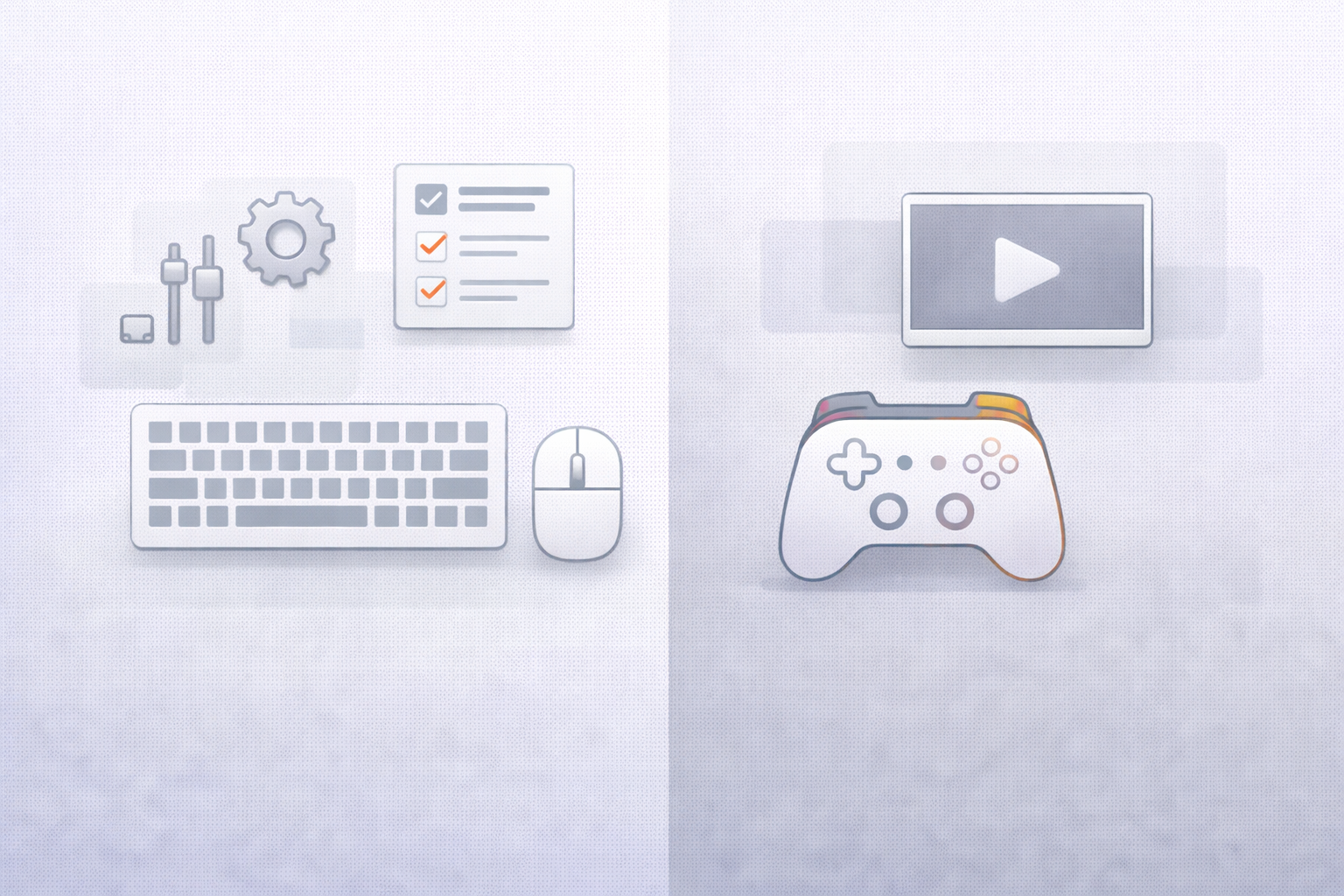
PC players often see games as systems to master and customize.
Typical expectations:
PC gamers are more tolerant of complexity but less forgiving of technical issues, such as stuttering, poor optimization, or limited graphics options.
Console players prioritize convenience and consistency.
Typical expectations:
For console audiences, reliability often matters more than raw flexibility.
Developer takeaway:
PC players want control. Console players want confidence that the game “just works.”
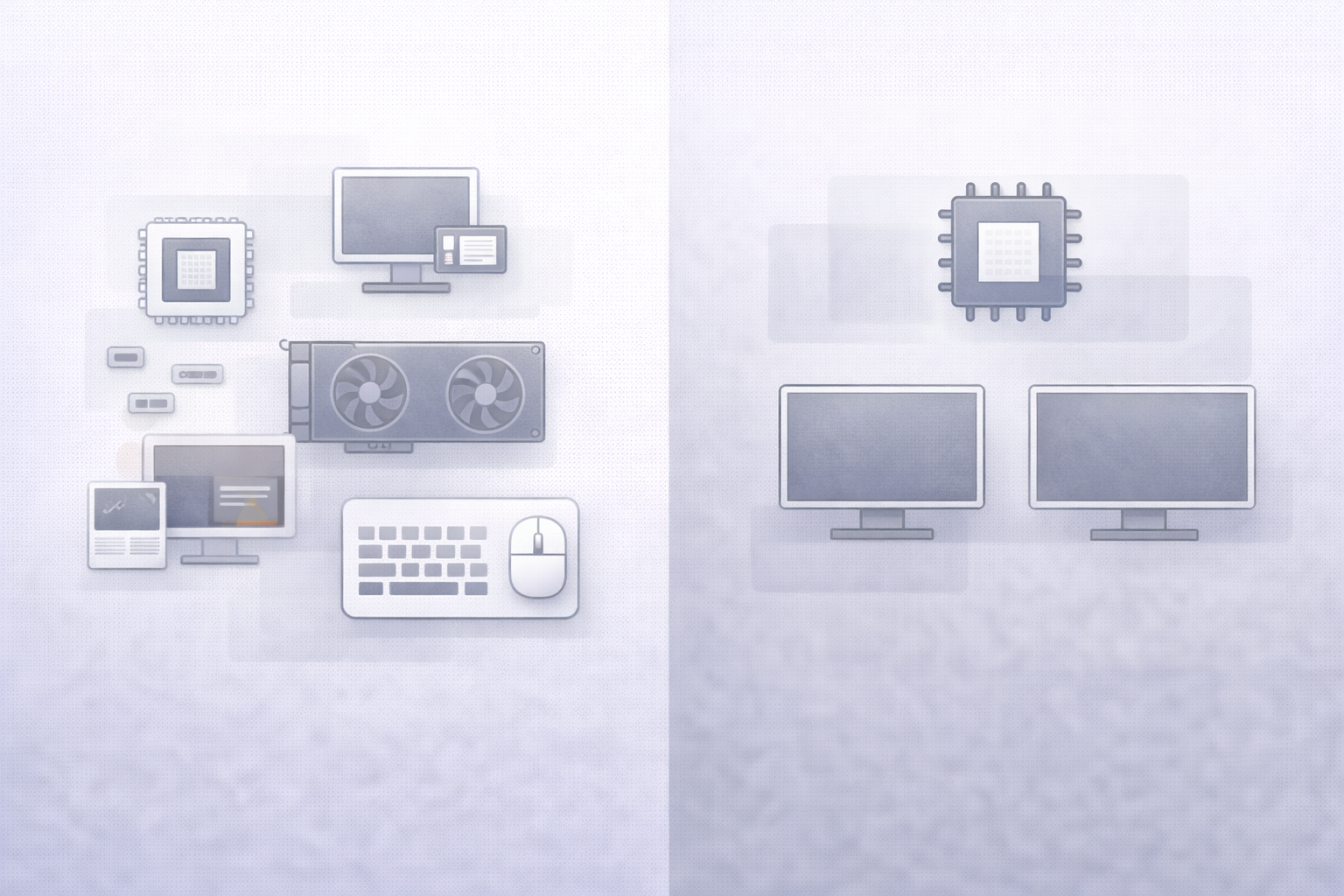
PC development means supporting:
This makes optimization and QA significantly more complex.
Consoles offer:
This stability allows developers to push hardware more aggressively – as long as they stay within strict platform requirements.
Developer takeaway:
PC development demands scalability. Console development demands precision.
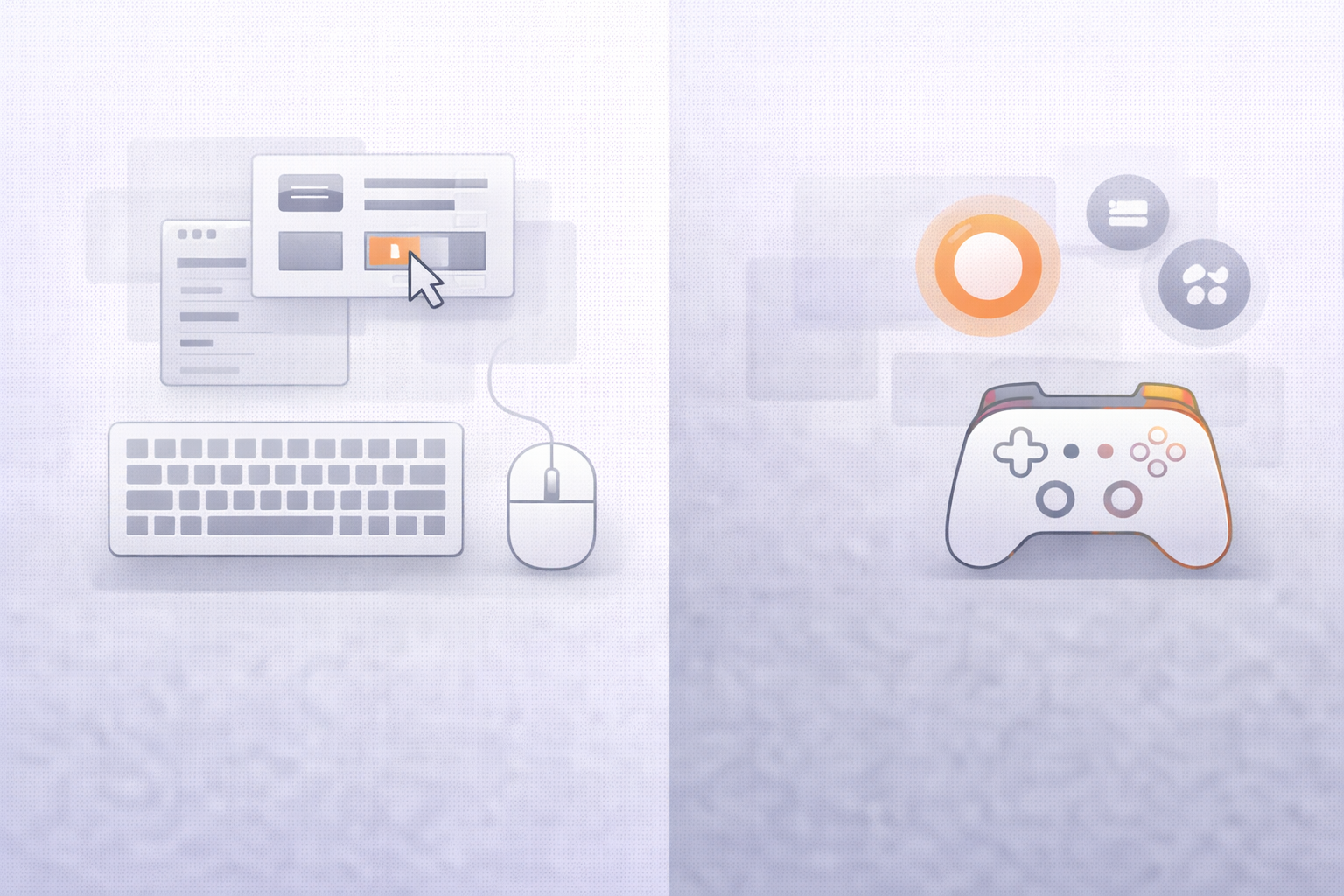
Design implications:
Design implications:
Developer takeaway:
UI/UX must be designed separately, not merely “adapted,” for each platform.
A PC release with poor optimization can quickly earn a negative reputation – especially on platforms like Steam.
On consoles like PlayStation and Xbox, certification requirements enforce minimum performance standards.
Developer takeaway:
PC demands flexible performance scaling. Consoles demand guaranteed stability.
{{banner}}
Developer takeaway:
Monetization strategies should be platform-aware, not universal.
Developer takeaway:
Community tools and post-launch support should align with where players actually gather.
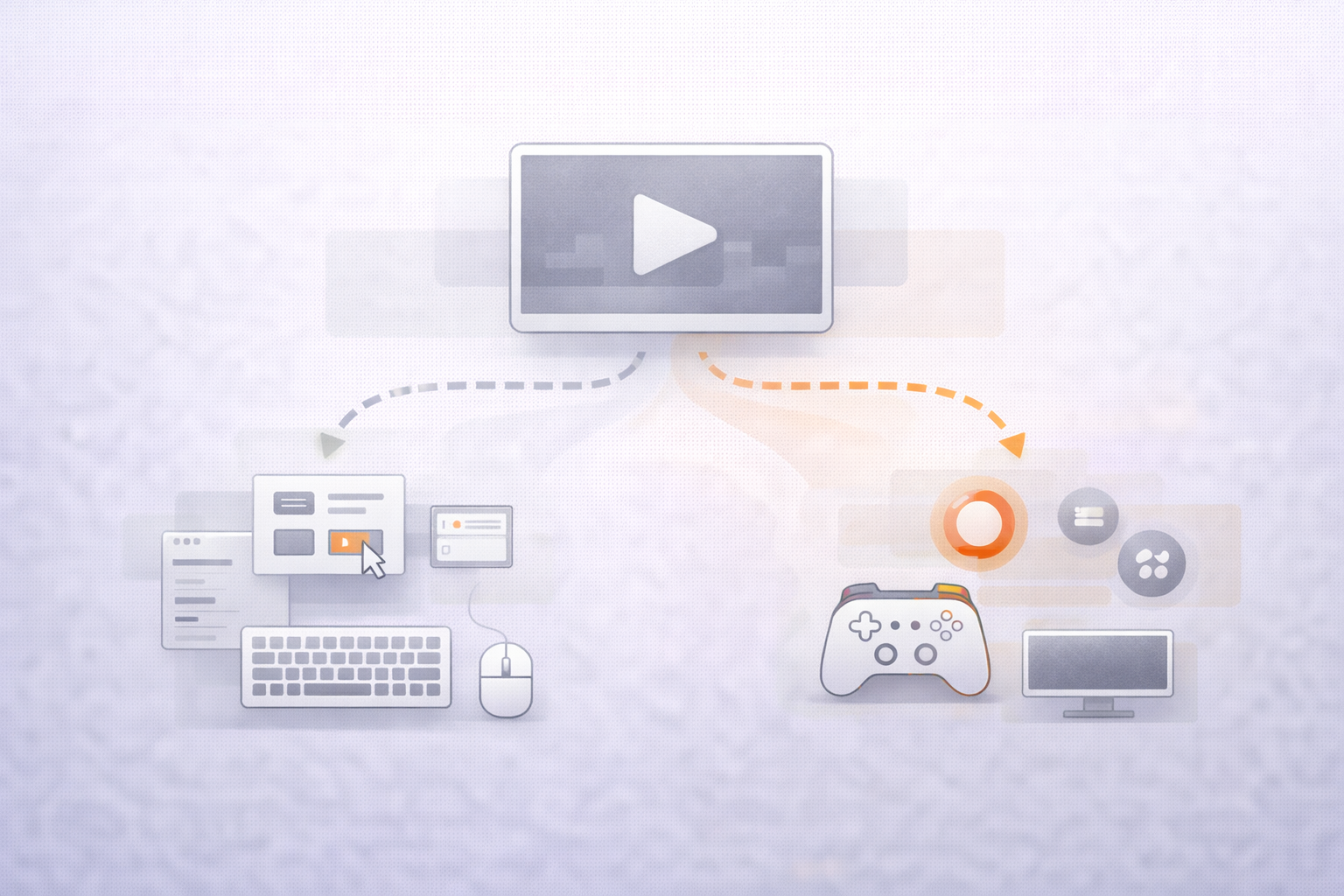
The biggest mistake studios make is assuming that:
One build + minor tweaks = cross-platform success
In reality, successful cross-platform games:
This is where experienced external teams often make the difference.
At GS Studio, we help developers navigate PC and console differences by providing:
We don’t believe in “one-size-fits-all” solutions—because players don’t either.
PC and console gamers aren’t better or worse – they’re different.
And those differences shape how games should be designed, optimized, marketed, and supported.
Studios that respect these distinctions:
As platforms continue to converge, understanding player expectations – not just hardware specs – will be one of the most important skills in modern game development.


.svg)