.png)
PC vs Console Players: What Developers Must Understand in 2026
April 27, 2026
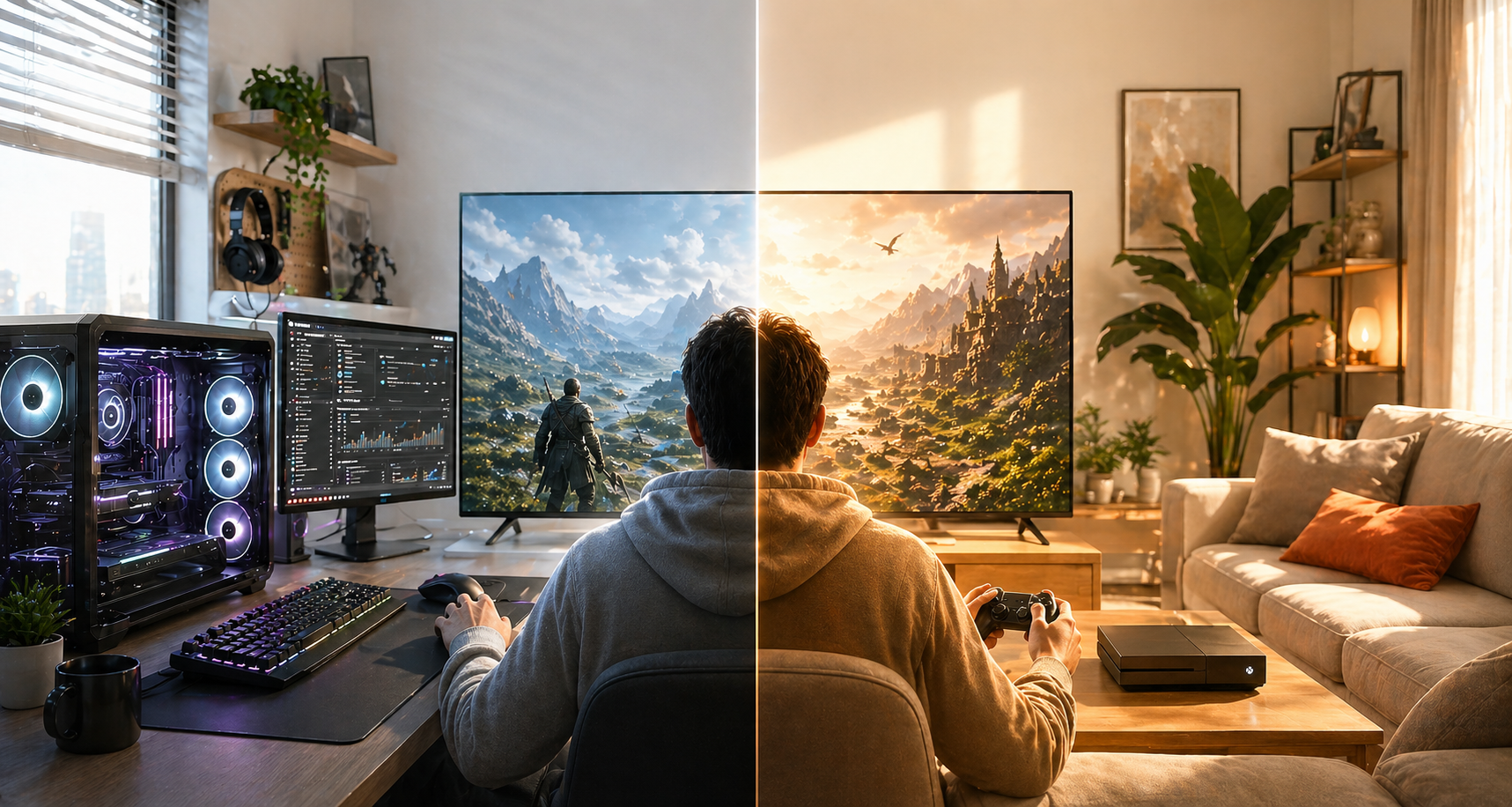
For a long time, developers treated PC and console as different, mainly because of hardware. Today, that perspective is outdated.
The real difference lies in how players approach games.
PC players tend to treat games as systems to explore. They expect flexibility, control, and the ability to fine-tune their experience. They are more willing to engage with complex mechanics, deeper menus, and layered progression systems. In many cases, they also expect a certain level of freedom — whether that’s through settings, builds, or even modding.
Console players approach games differently. For them, the experience is expected to be immediate and seamless. There is less tolerance for friction, unclear navigation, or unnecessary complexity early on. The expectation is that the game will “just work” — from controls to performance to progression.
These differences are subtle, but they shape how players perceive quality.

One of the most underestimated factors in cross-platform design is input.
Mouse and keyboard allow for a level of precision and speed that fundamentally changes gameplay. Systems built around fast targeting, complex hotkeys, or dense interactions naturally fit this environment.
Controllers, on the other hand, impose different constraints. They are more limited in terms of input complexity, but they offer analog control and a different type of immersion. As a result, interaction design shifts toward context-based actions, simplified input schemes, and more readable gameplay states.
The challenge is not choosing one over the other — it’s designing systems that adapt without losing depth.
Too often, games designed primarily for one input type feel awkward when translated to the other. Combat becomes either too simplified or unnecessarily complex, and players feel that disconnect immediately.
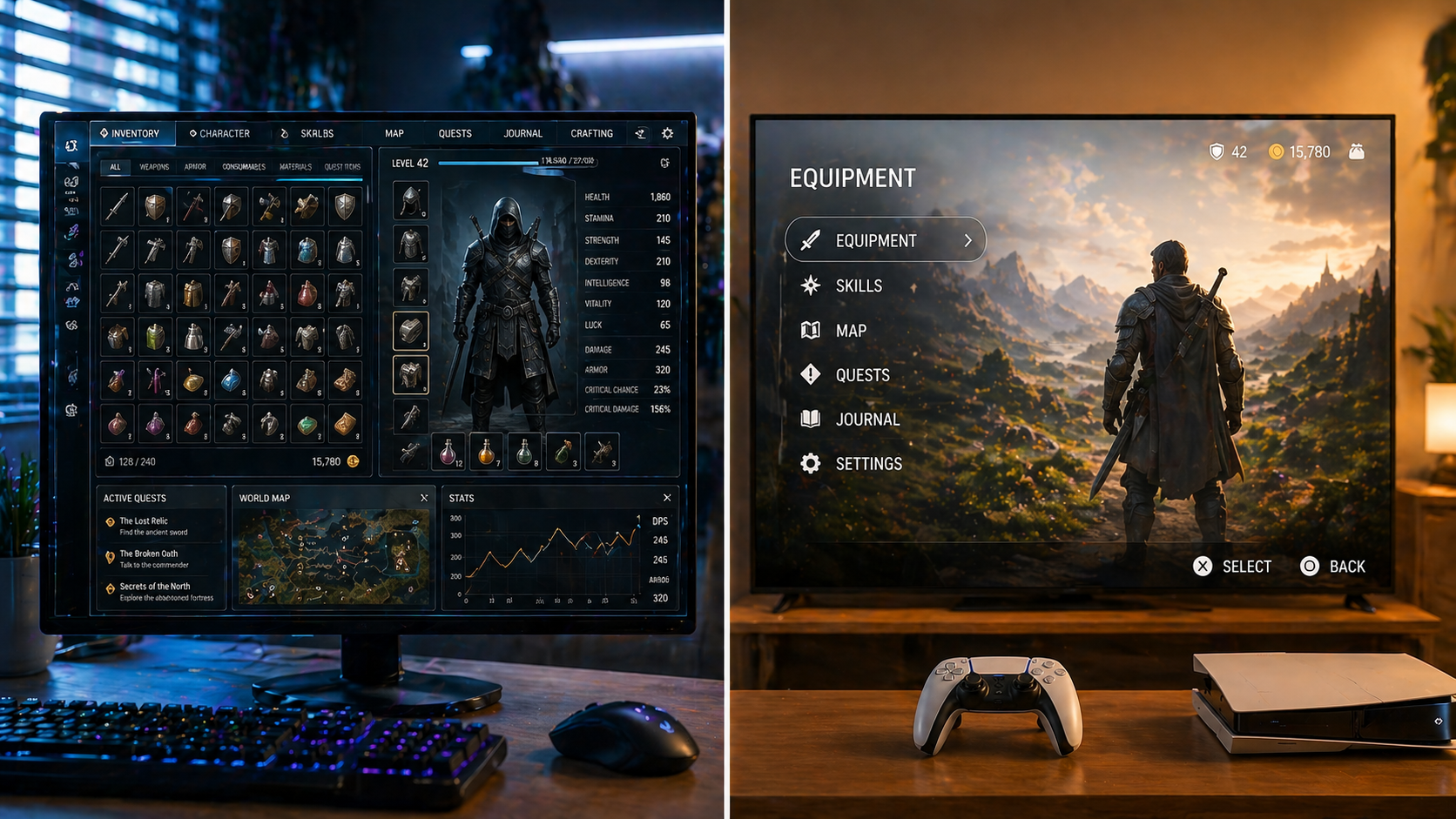
If there is one area where cross-platform projects most often fail, it is UI.
Interfaces designed for PC tend to prioritize density and speed. Players are expected to navigate quickly, process large amounts of information, and interact with multiple layers of systems at once.
On consoles, this approach quickly becomes overwhelming. The distance from the screen, the use of a controller, and the expectation of clarity require a completely different design philosophy. Navigation must be structured, readable, and intuitive without relying on precision input.
Many projects fall into the trap of designing UI once and adapting it later. In practice, this almost always leads to compromises — either a console interface that feels clunky or a PC interface that feels oversimplified.
The better approach is to treat UI as a system that adapts to the platform from the start.
{{banner}}
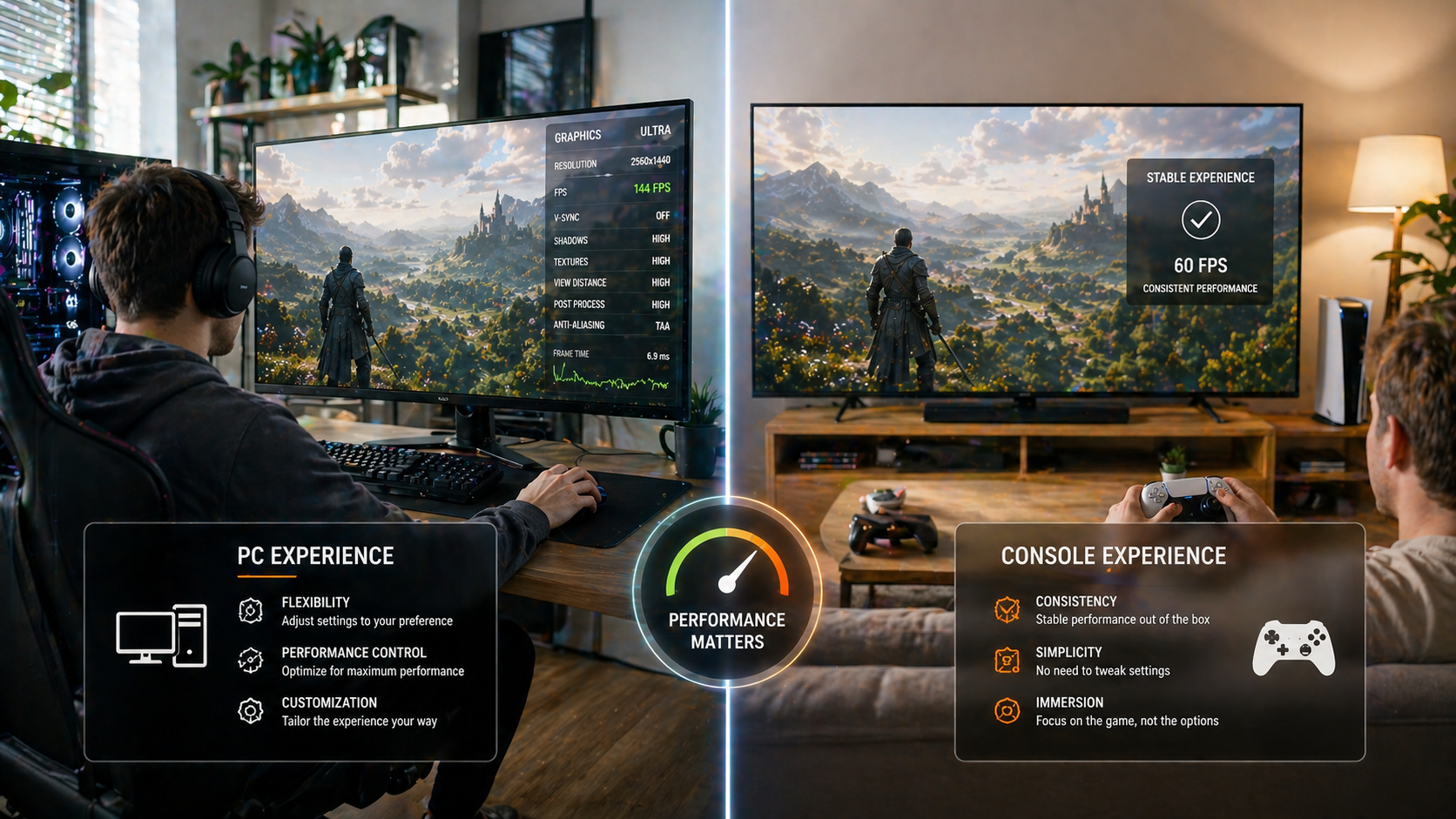
Performance is another area where player expectations diverge.
PC players are used to adjusting settings, optimizing performance, and making trade-offs between visuals and frame rate. For them, flexibility is part of the experience.
Console players expect consistency. They rarely interact with performance settings and instead judge the game based on how stable and smooth it feels out of the box.
This difference changes how performance issues are perceived. On PC, a problem can often be mitigated by the player. On console, it becomes a direct reflection of product quality.
Even core gameplay loops are affected by platform context.
PC players are generally more willing to invest time into mastering systems. They explore builds, experiment with mechanics, and engage deeply with progression systems.
Console players often prefer a more guided experience, especially in the early stages. Clarity, pacing, and structure become more important than depth in the first hours of gameplay.
This doesn’t mean designing two different games. It means structuring systems in a way that supports different entry points and play styles.
The real challenge of cross-platform development is not finding a middle ground. It is building systems that can adapt.
Successful projects don’t create a single static experience. They create flexible systems — input-aware mechanics, adaptive UI, and platform-specific tuning — that allow the game to feel natural regardless of how it is played.
When this is done well, players don’t notice the complexity behind it. The experience simply feels right.
When it isn’t, the friction becomes immediately visible.
The gap between PC and console players is no longer just technical — it is behavioral, structural, and experiential.
Studios that understand this early can design systems that scale naturally across platforms. Those who don’t often encounter the problem often do so much later, when changes become significantly more expensive.
In modern game development, platform awareness is not a polished step. It is part of the foundation.

GS Studio is a full-cycle game development company with experience in cross-platform production, multiplayer systems, and large-scale game development.
We support studios in building and scaling projects across PC, console, and online environments — from core systems to full production pipelines.
If you’re working on a cross-platform project and facing challenges in design, performance, or production scaling, we’d be happy to discuss how our team can support your development.


.svg)